
1
Add jobs
Save job suggestions in one click. Add other jobs by link or enter their details yourself.
Save jobs, prepare your documents and see where each application stands. JobStep keeps your responses and interview dates close at hand, too.

Senior Product Manager
Shopify

PM
Spotify

Engineer

Design
Netflix

Ops
Amazon

Product
Apple
Engineer
120,000+ professionals and job seekers trust JobStep·689,231+ applications created
689,231+ applications created
How it works
Stay on top of each application, from the first interesting job to an interview.
Save job suggestions in one click. Add other jobs by link or enter their details yourself.
Tailor your resume with AI and create a cover letter in one click. Both documents stay with the application.
Sent an application or heard back? Move the job to the right stage.
Record the date and time. Open the job description and your documents to prepare.
Applying to several jobs can get confusing. JobStep keeps jobs, documents and dates together. See what you need to prepare, where you’re waiting for a reply and when your interviews are.
JobStep suggests jobs based on your resume and preferences. Save an interesting suggestion straight to your tracker.
Found a job on another website? Add its link or enter the job details yourself.
Update the status when something changes. Your overview stays up to date.
Save the date and time with the application. Your documents are there when you need to prepare.
Start from a saved job. AI helps you highlight the experience that matters for that role.
Use your resume and the job description to write your letter. Edit it and save it with the application.
Not yet available in every country.
Find relevant jobs and create documents for each application, too.
Your resume and preferences guide your job suggestions. Tell JobStep where and what kind of work you want. Save interesting jobs in one click. AI job search is not yet available in every country.
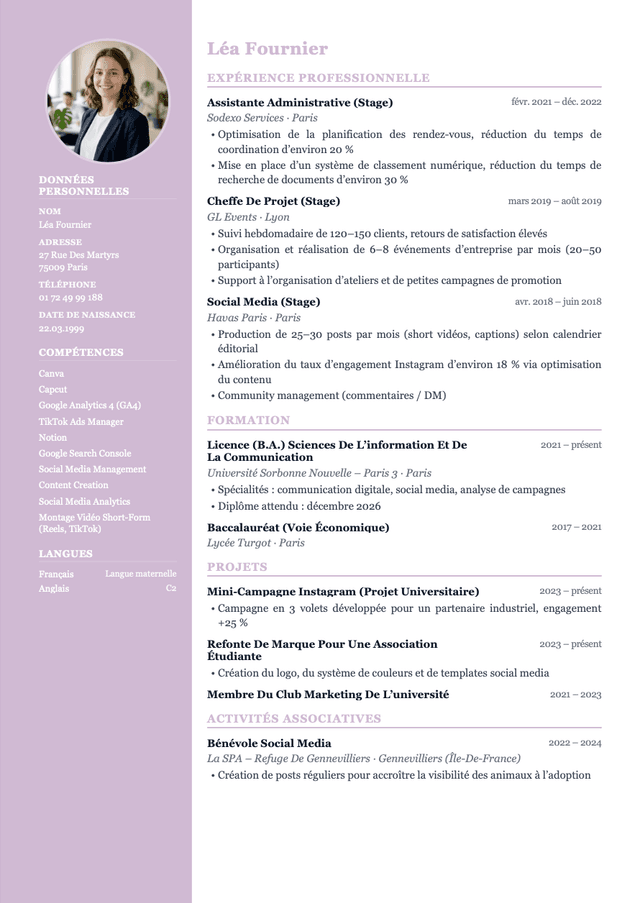
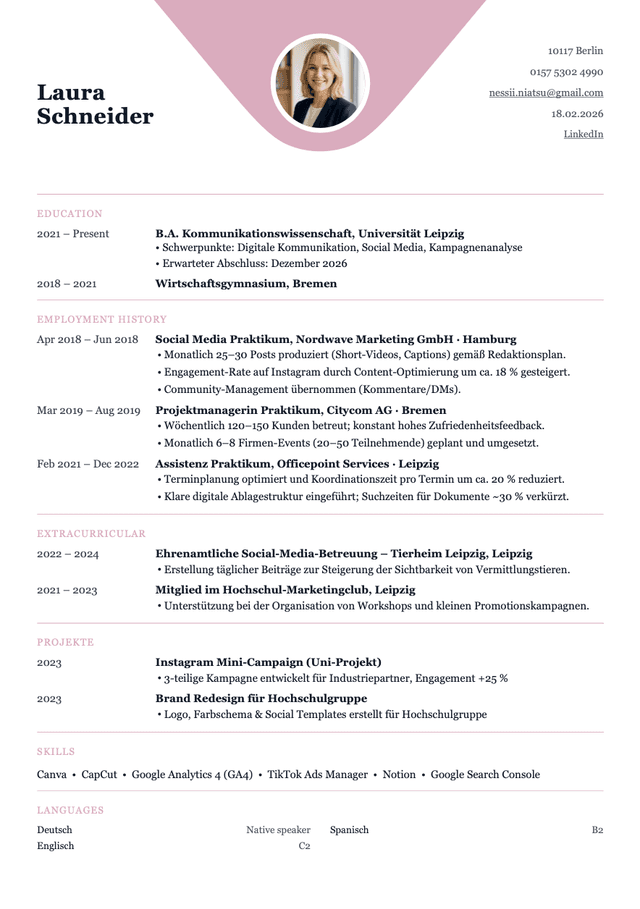
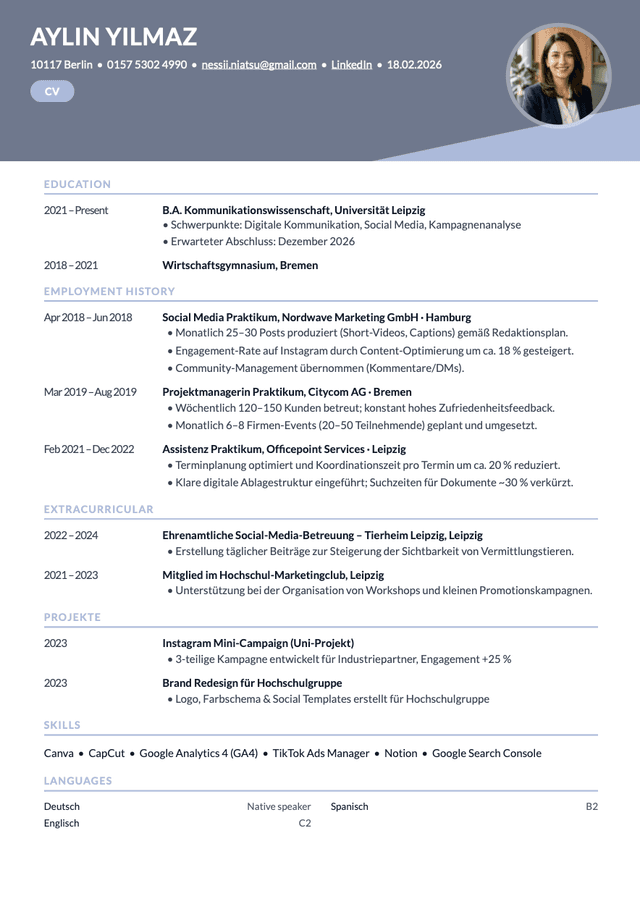
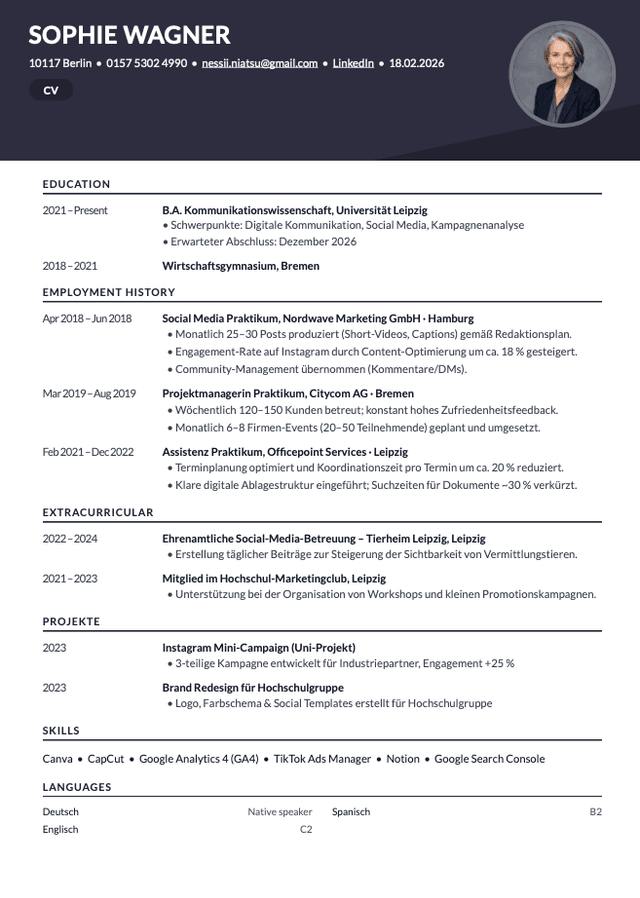
Different jobs need different strengths. Use the AI resume builder to highlight relevant experience. The tailored version stays with your application.
Start with your resume and the job description. You can also use earlier letters as a style reference. With the AI cover letter generator, choose a template that matches your resume.
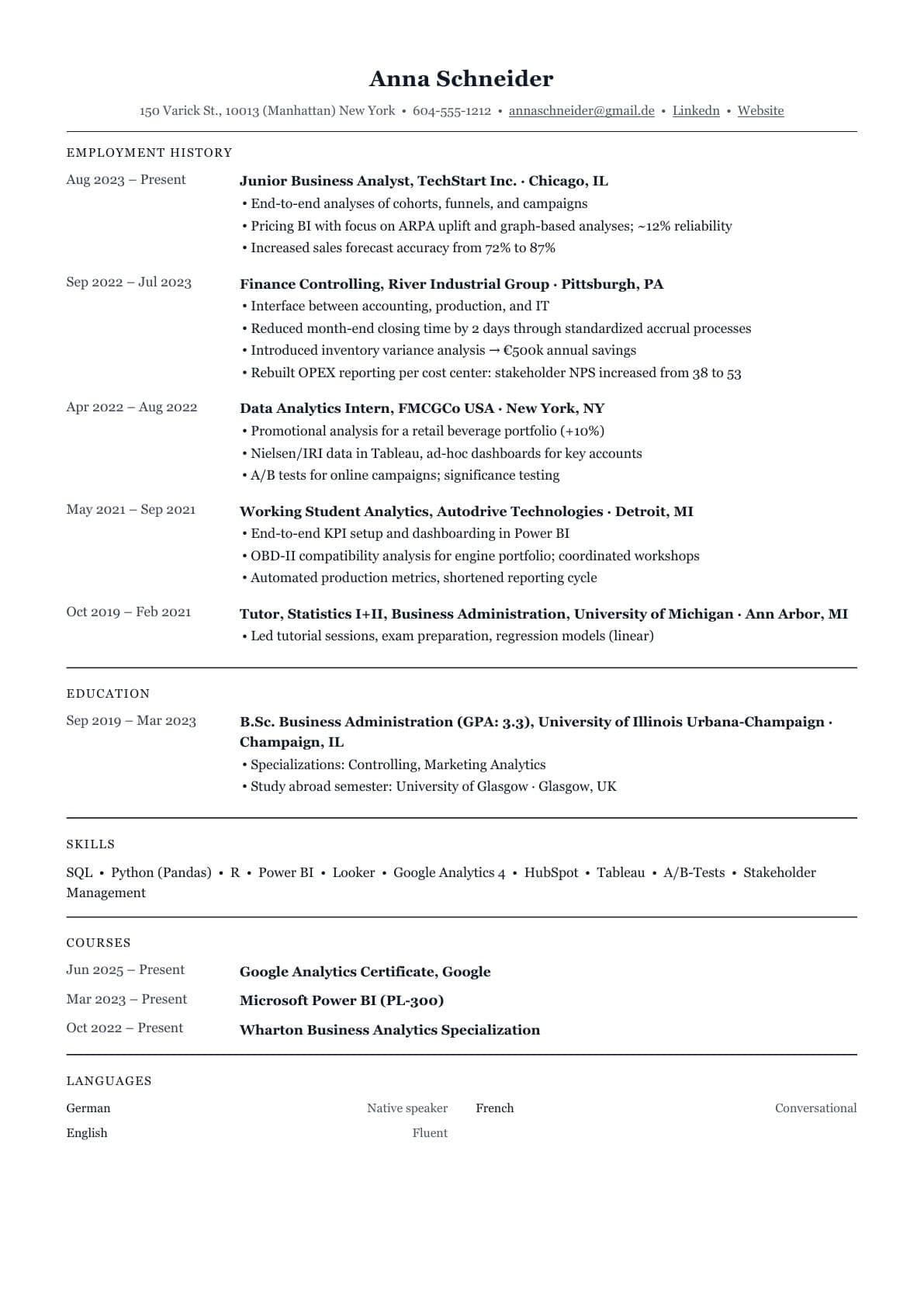
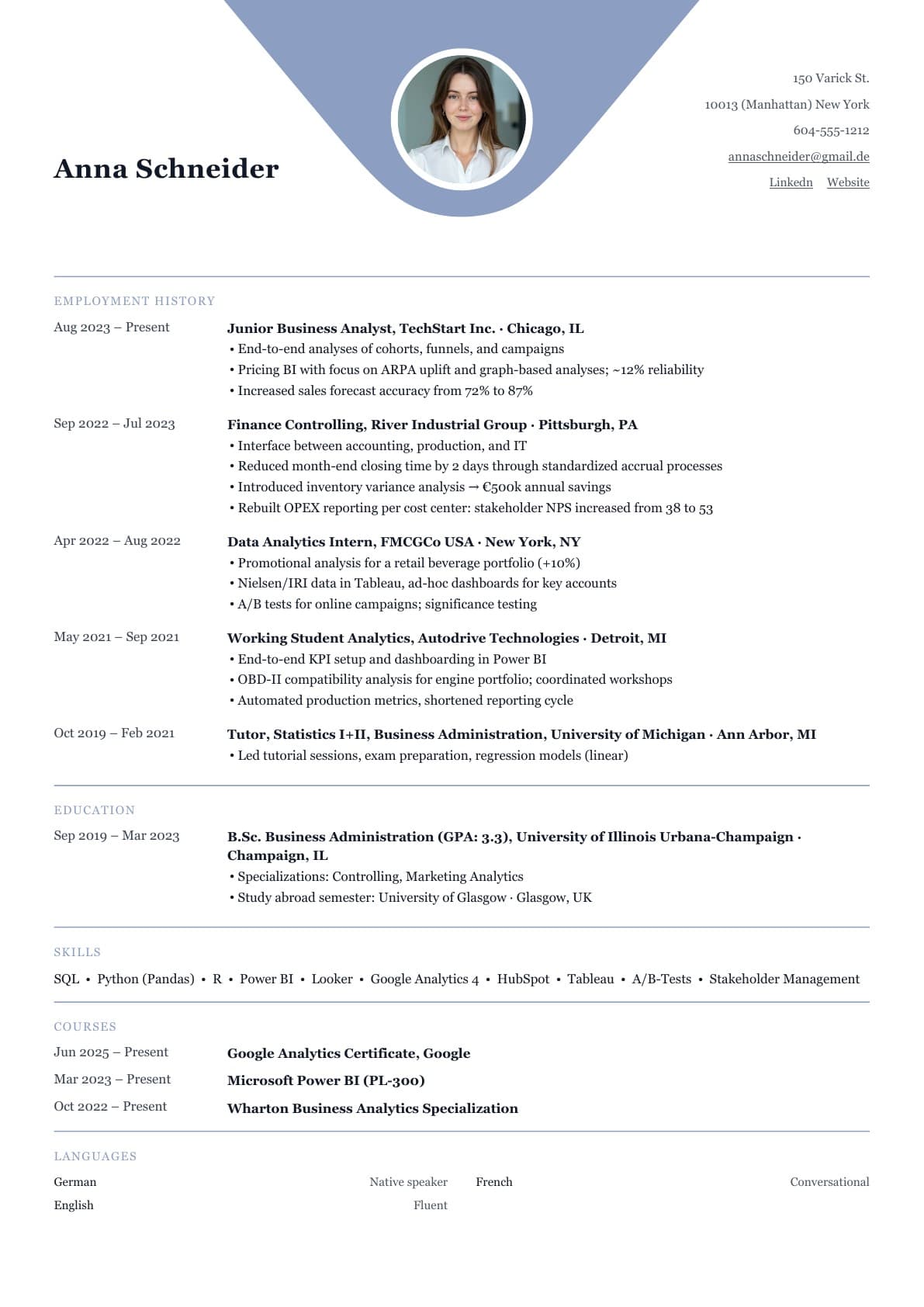
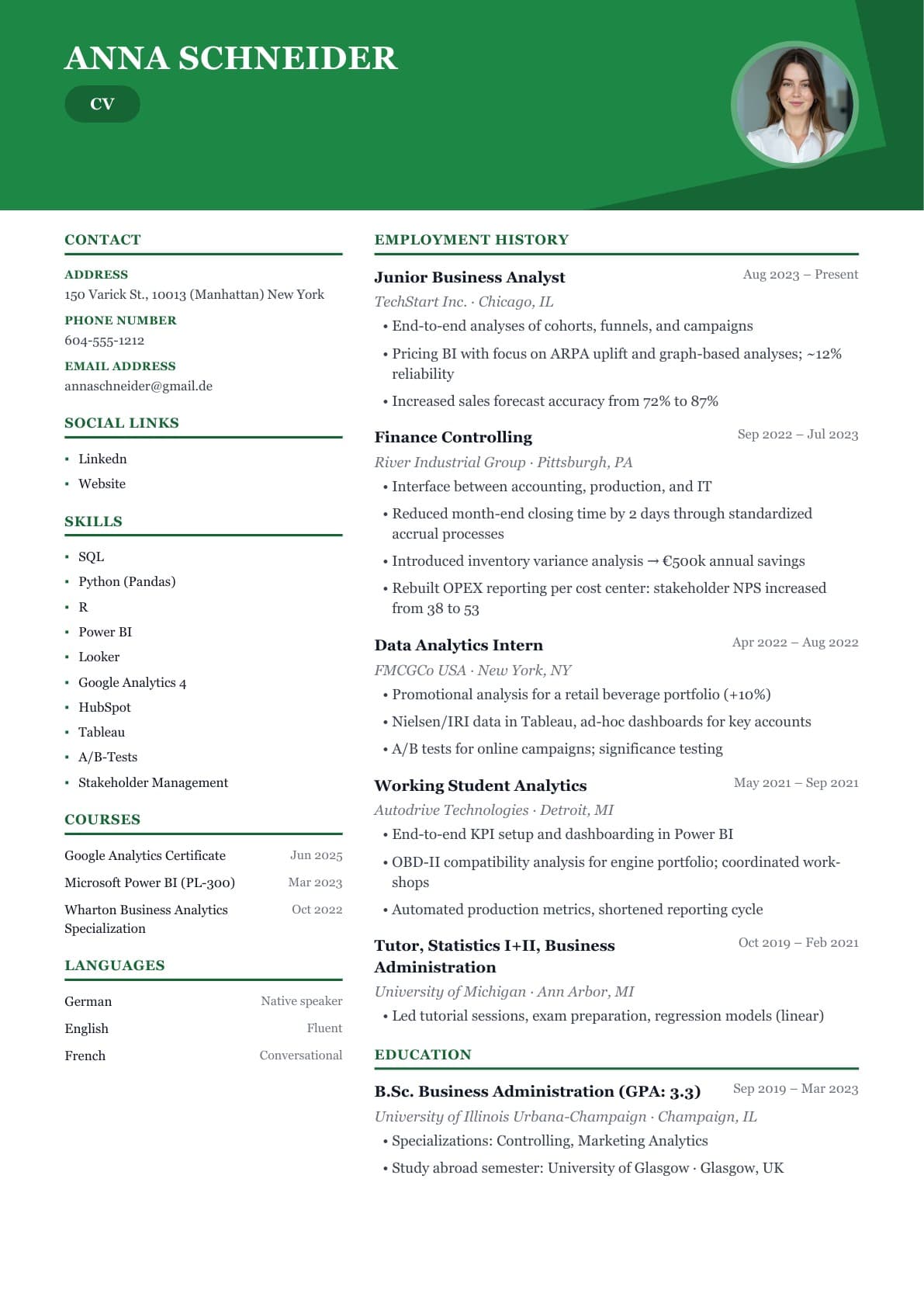
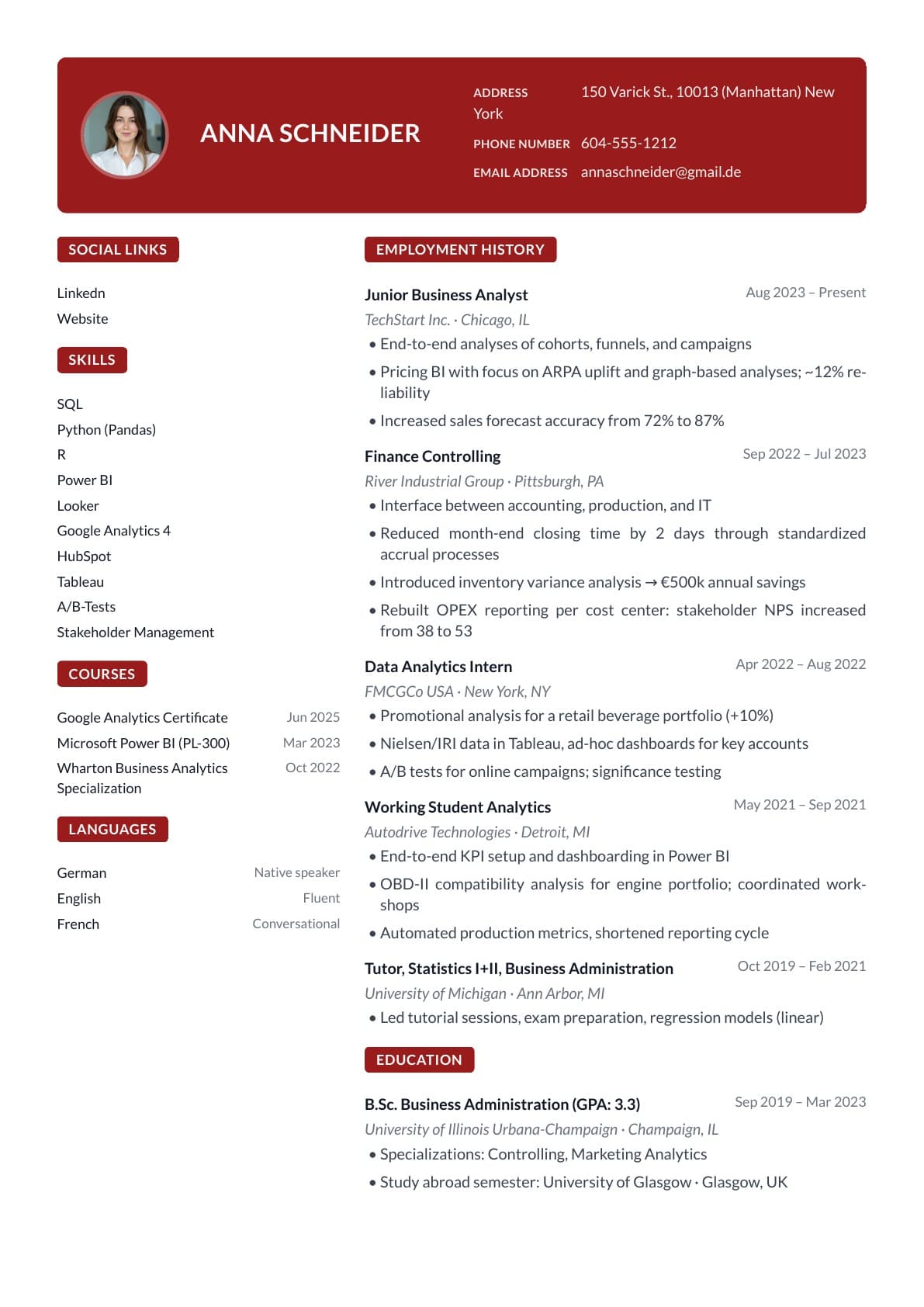
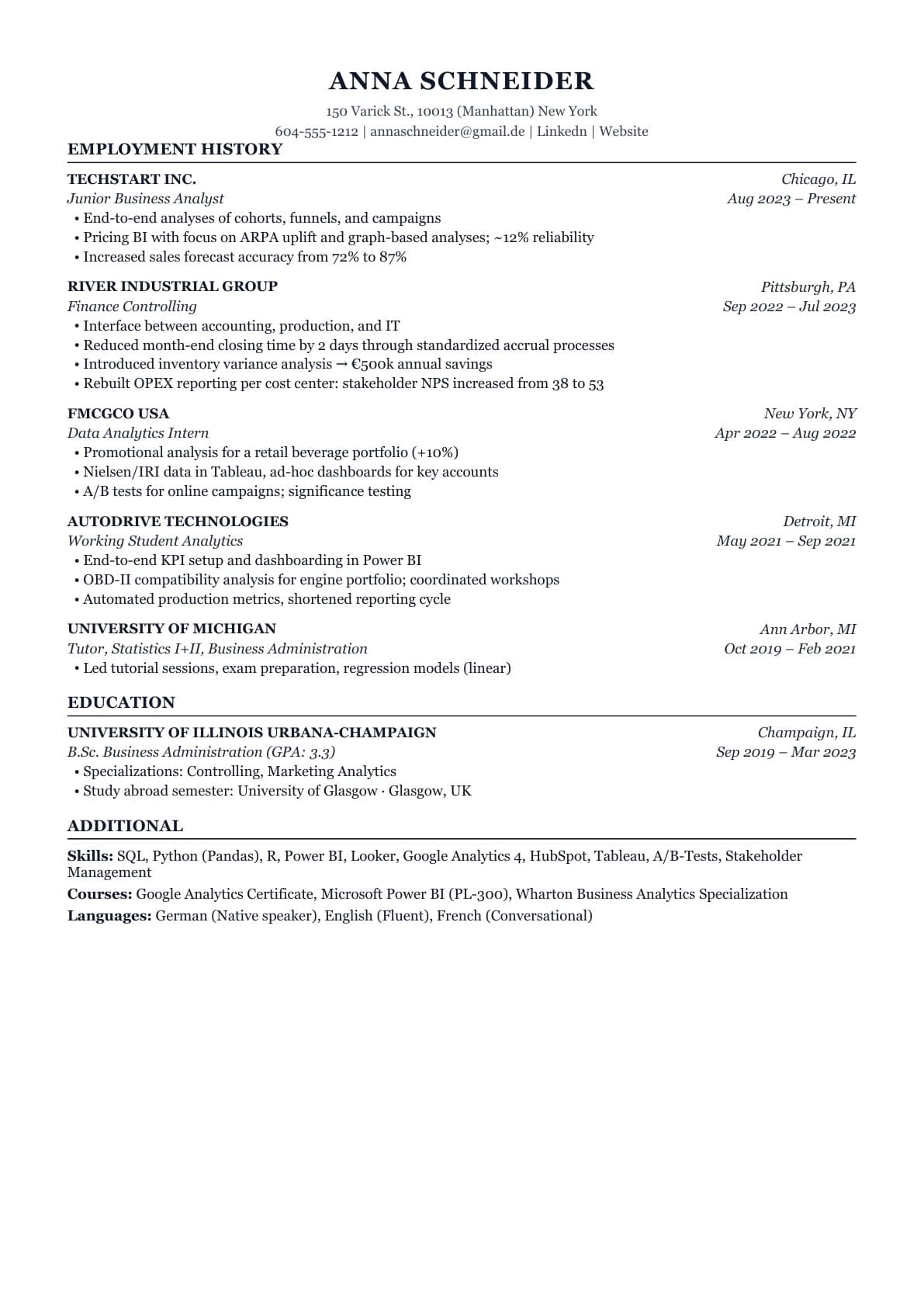
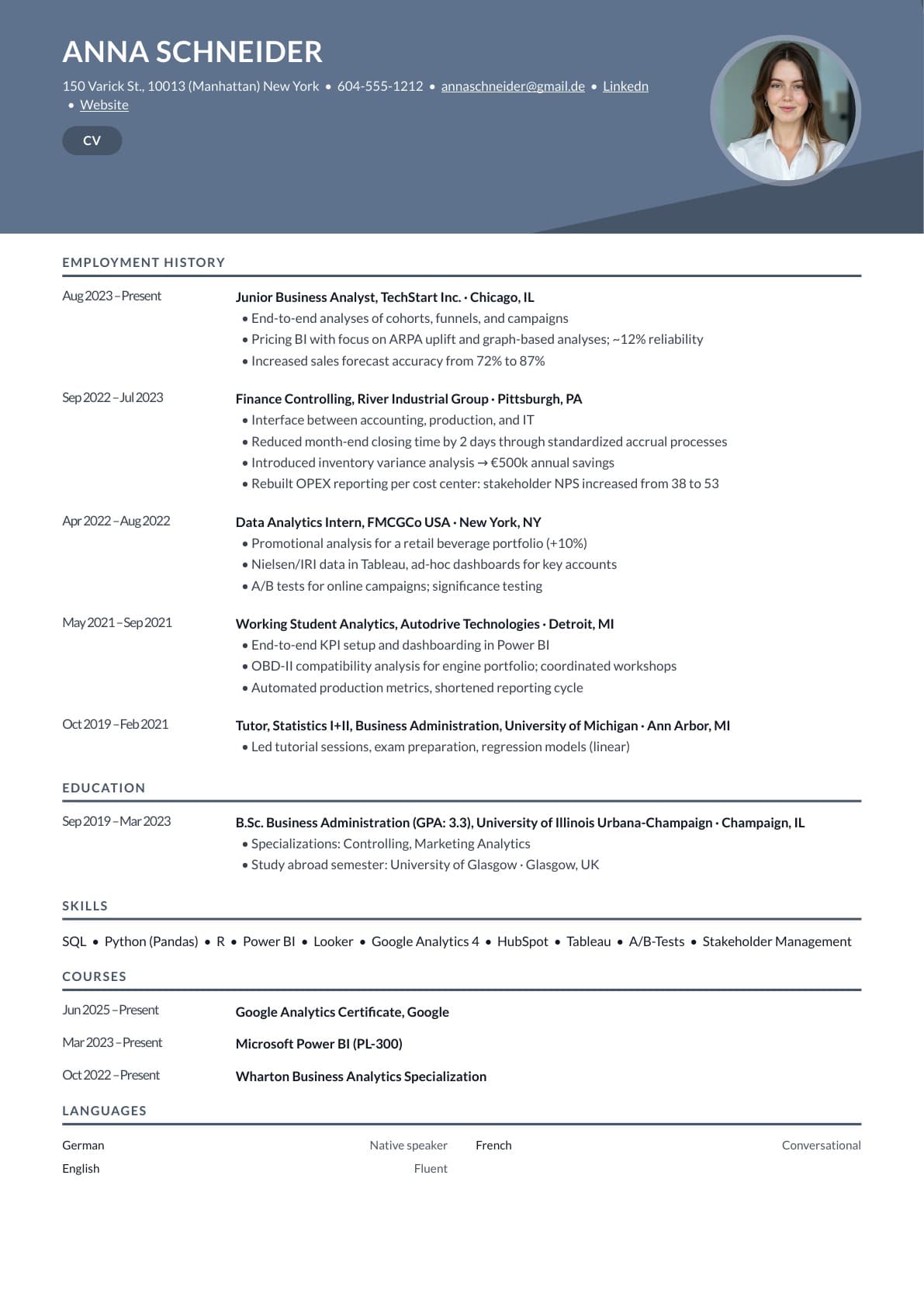
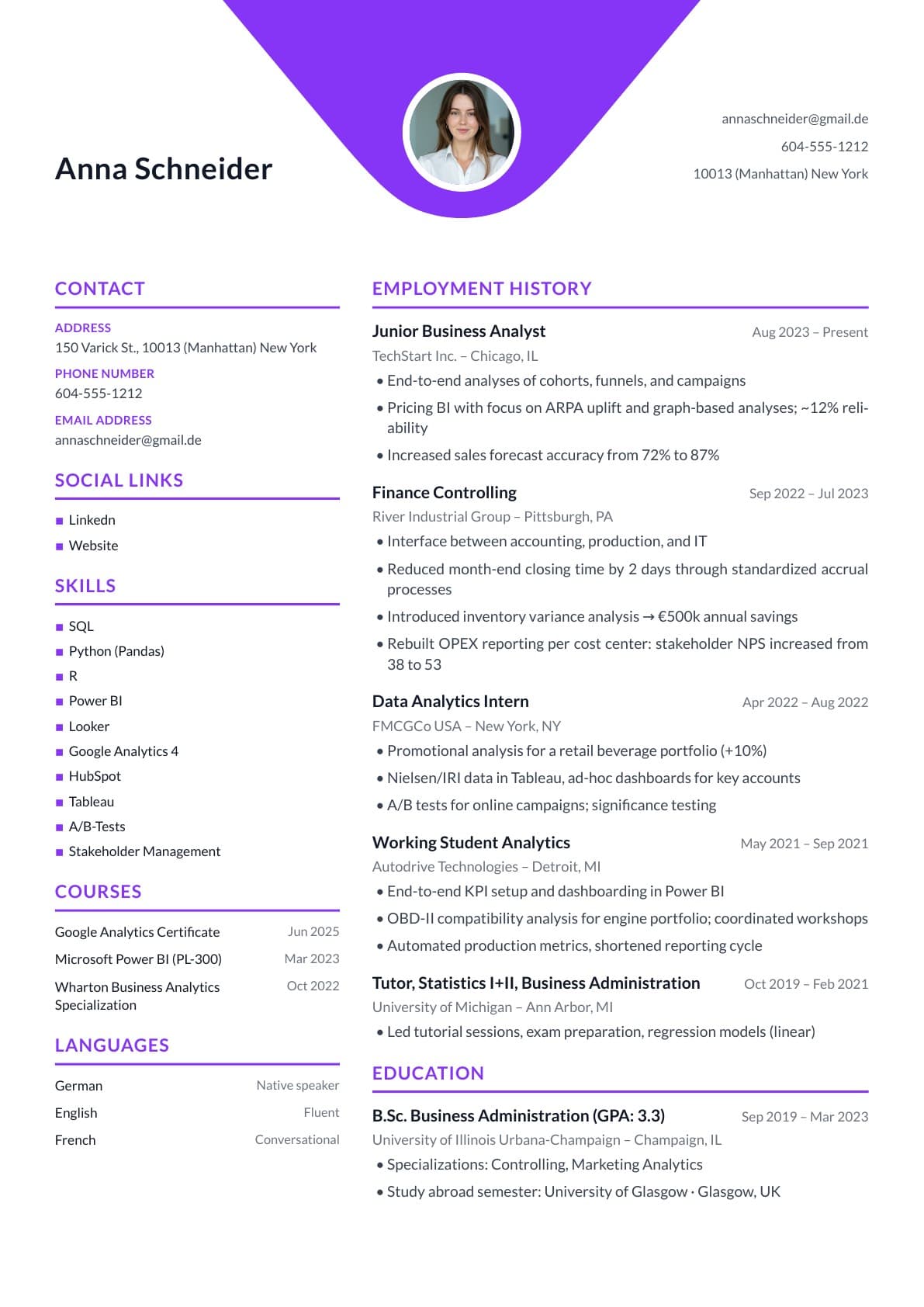
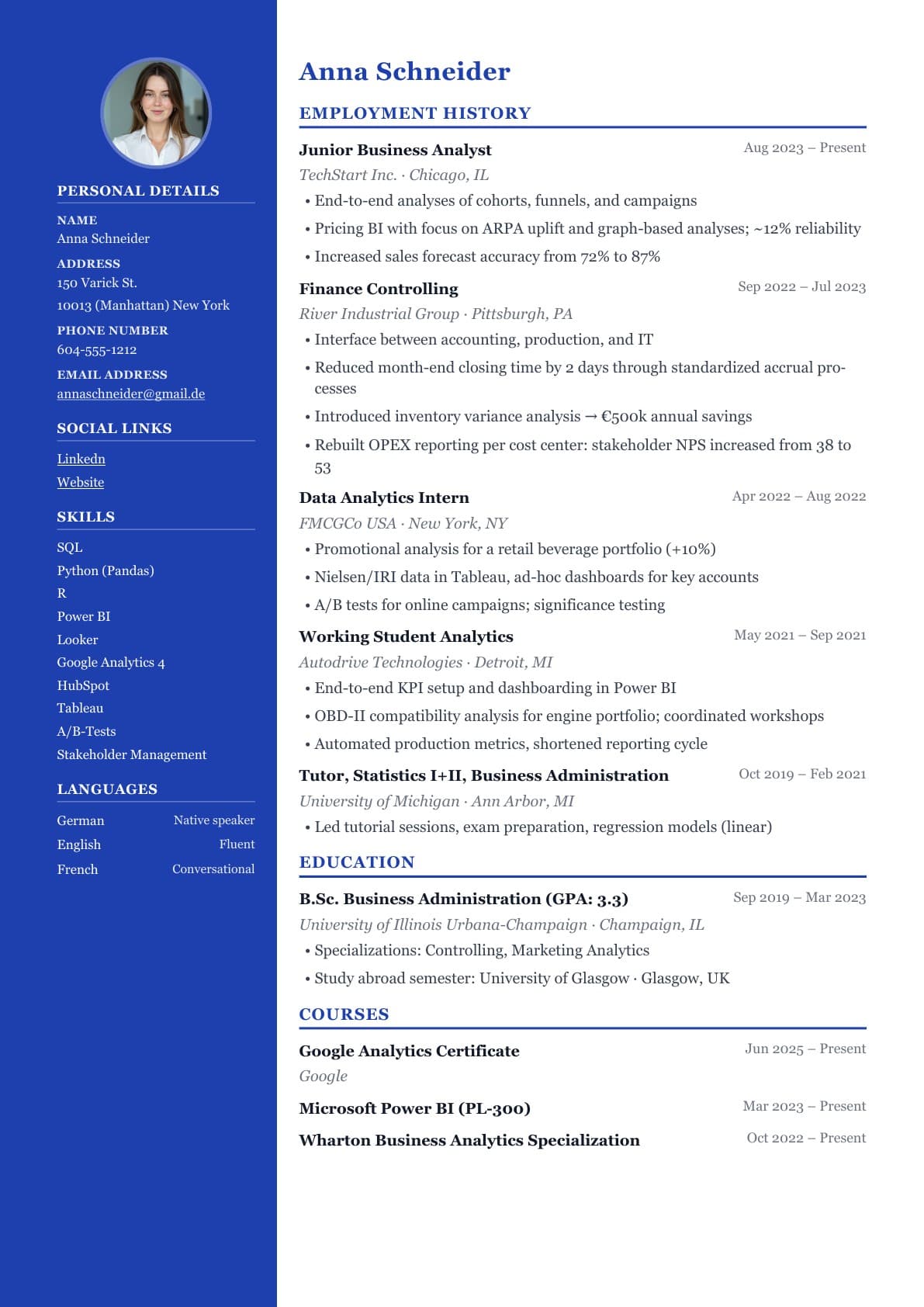
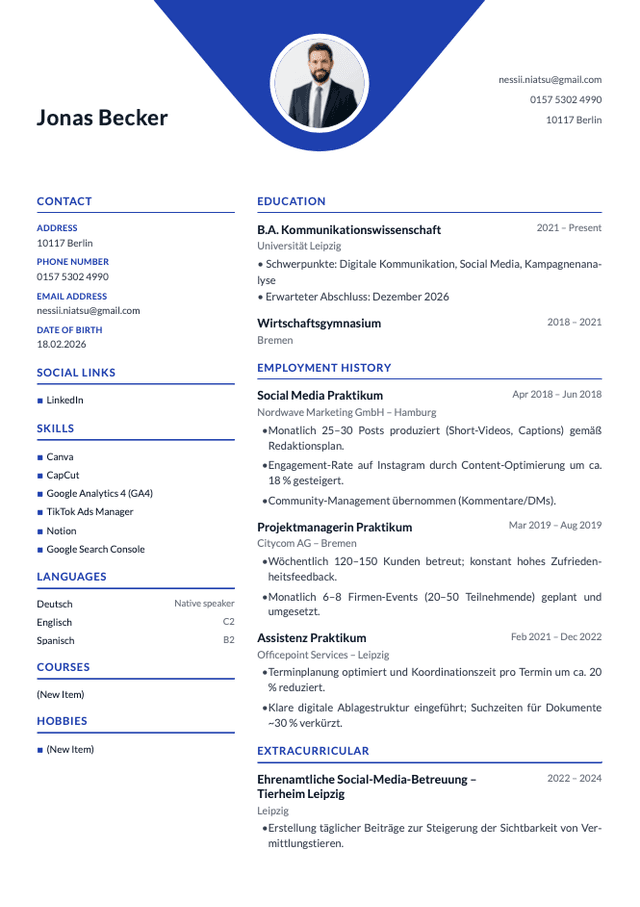
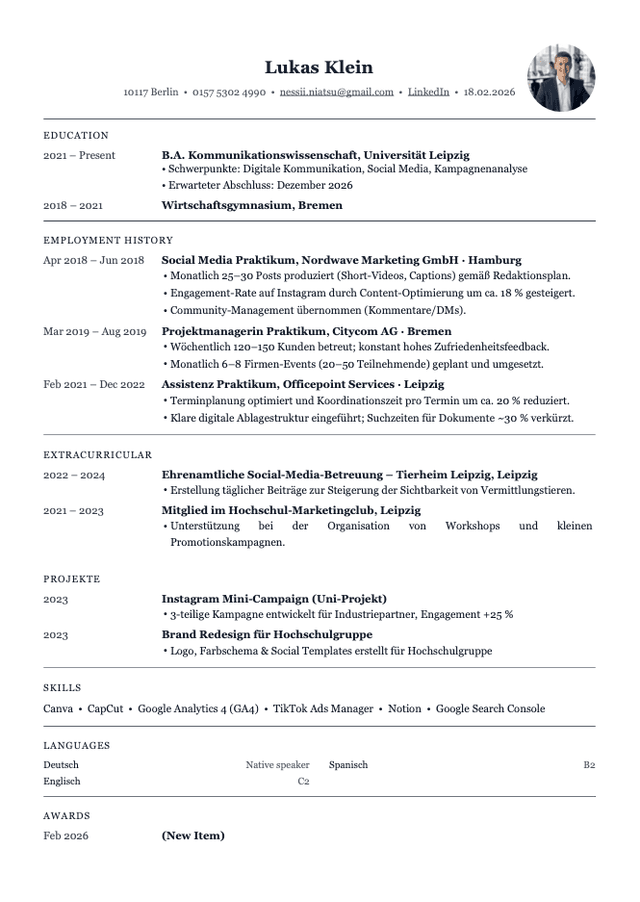
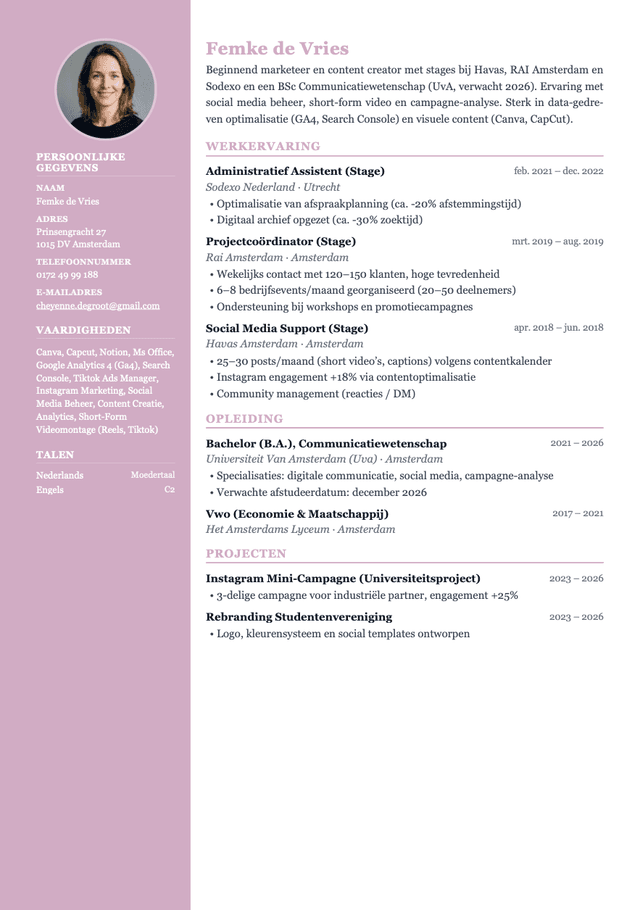
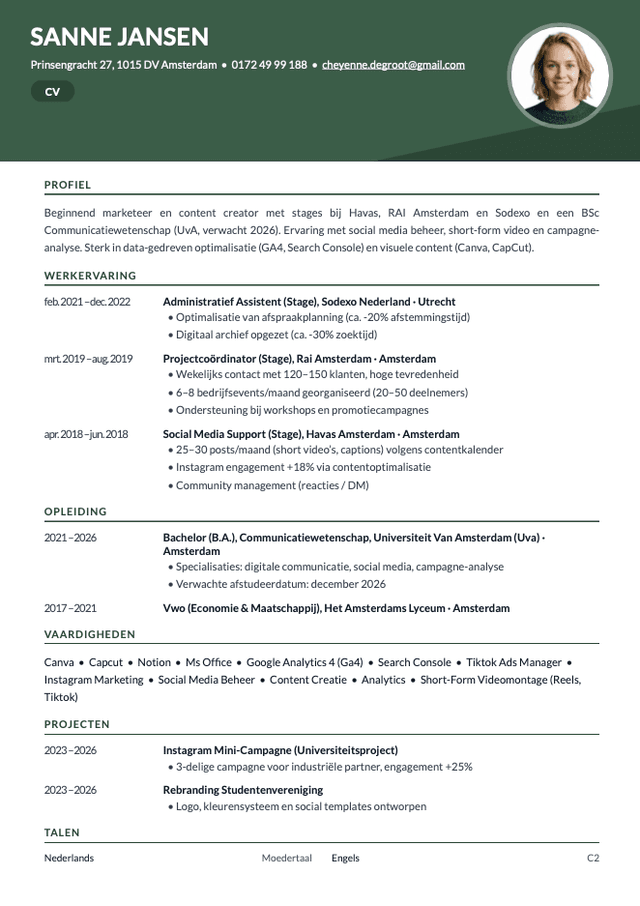
All our resume templates are ATS-optimized and recommended by recruiters.
At JobStep, security and privacy aren't just afterthoughts. Your data deserves the best protection. We use AES-256 encryption to ensure that your data is safe with us.
As a paid product, we promise to never sell your data or use your information to train AI models without your permission.
View our Privacy PolicyBuilt to the highest security standards and GDPR compliant. Your data is protected with industry-leading encryption and stored securely in Europe.
Headquarters in Switzerland. Data in Europe.
View our Security Policy



How to organize jobs, documents and dates with JobStep.
It helps you organize your own applications. Save jobs and record where you’ve applied, who has replied and which interviews are coming up.
Yes. Add the job link or enter the details yourself. These jobs appear alongside JobStep’s suggestions.
Your documents and interview dates sit alongside each job’s status. You can also tailor your resume and create a cover letter directly.
You update it when you apply or receive a response. Move the job to the right stage.
Yes. Save the date and time with the application. The job description and your documents are there to help you prepare.
You can start using JobStep for free. The pricing overview shows what’s included and which features need a paid subscription.